

How we picked
We compared tools on summary quality, action items, setup effort, price per seat and how much of the call they store. Each pick below says who it suits and who should skip it.
- Summaries that name decisions and owners
- Setup a non-technical person can finish
- A free plan or a clear price per seat
Bluedot
Records Zoom, Google Meet and Microsoft Teams calls through a Chrome extension, desktop app or mobile app without adding a bot to the meeting. It writes transcripts and summaries in more than 100 languages, can record in-person meetings from a phone, and sends notes to tools such as Notion, Slack and HubSpot.
Pros
- No bot joins the call
- Works for in-person meetings too
- Transcripts and summaries in 100+ languages
Cons
- Free plan stops after 5 meetings
- Basic plan is audio only, max 1 hour per recording
Skip it if you need a free plan for ongoing use.
Notely
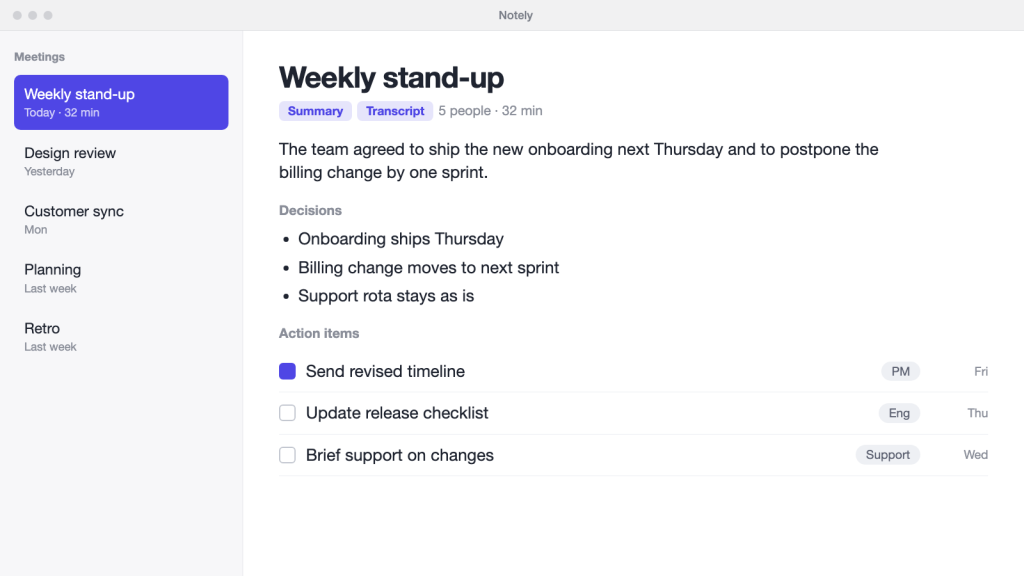
Records the call, writes a clean summary and lists action items with owners. Setup takes a few minutes and it joins calls from a shared calendar.
Pros
- Action items name an owner
- Works across the common call apps
Cons
- Free plan caps stored meetings
- Summaries sound alike across calls
Skip it if you need on-device processing only.
Hushnote
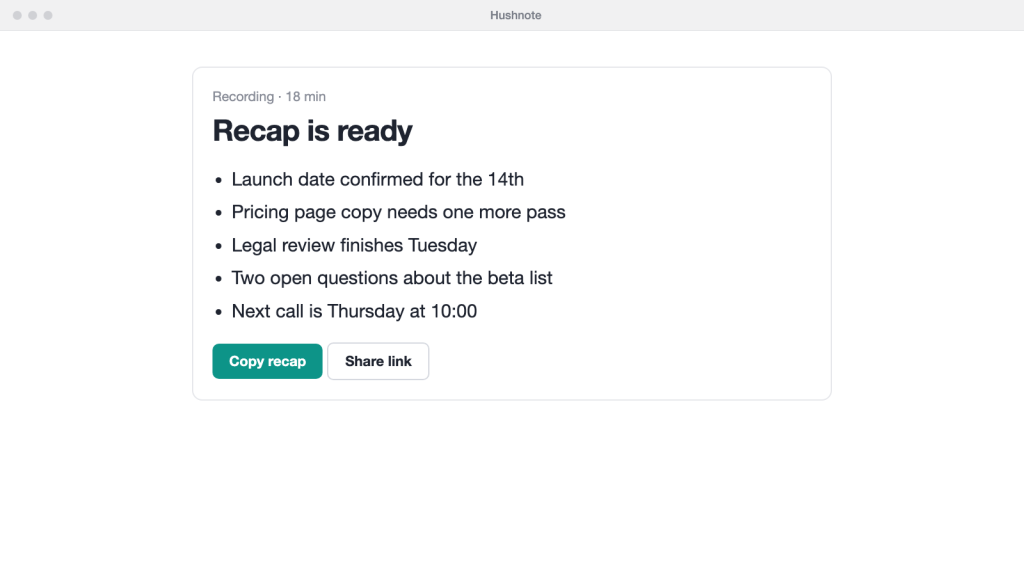
A light tool that turns a recording into a five-line summary. It does little else, which is the point.
Pros
- Fastest to first summary
- Cheap per seat
Cons
- No shared workspace
- Search is basic
Skip it if you need a searchable archive across a team.
Scribeline
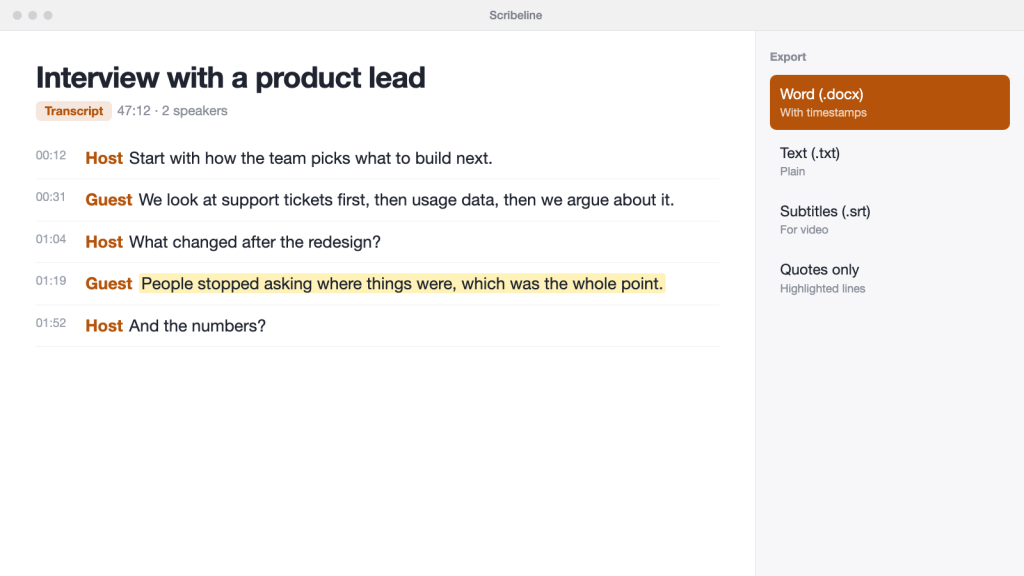
Built for transcripts you will quote from: speaker labels, timestamps and export to the formats editors use.
Pros
- Clear speaker labels
- Exports with timestamps
Cons
- Summaries are an add-on
- Interface is dense
Skip it if you mostly want short summaries of internal calls.
Quillcall
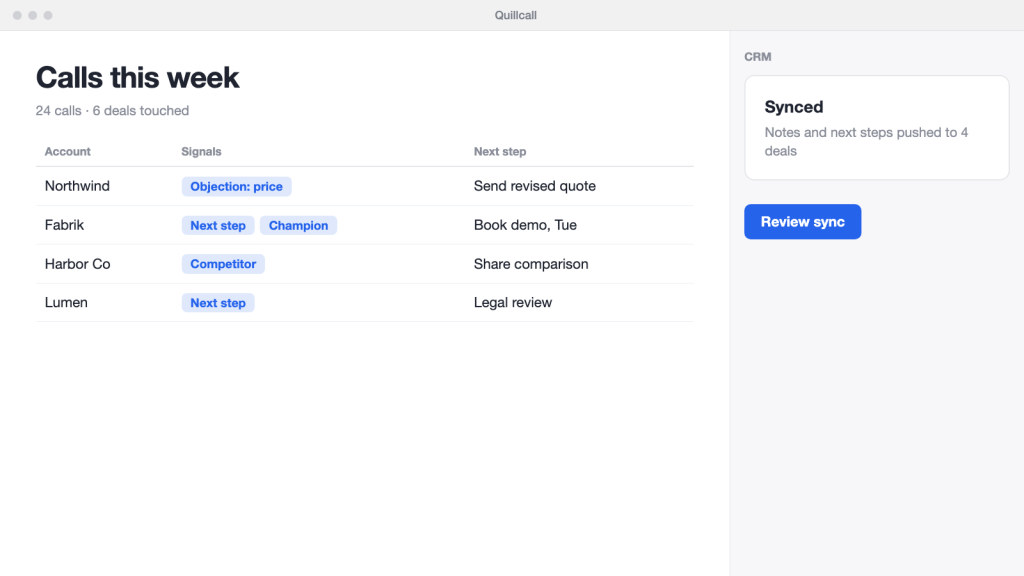
Tags objections, next steps and pricing talk, and pushes notes to a CRM.
Pros
- CRM sync
- Call-type templates
Cons
- Priced for sales teams
- Overkill for stand-ups
Skip it if you are not logging calls in a CRM.
Minutebook
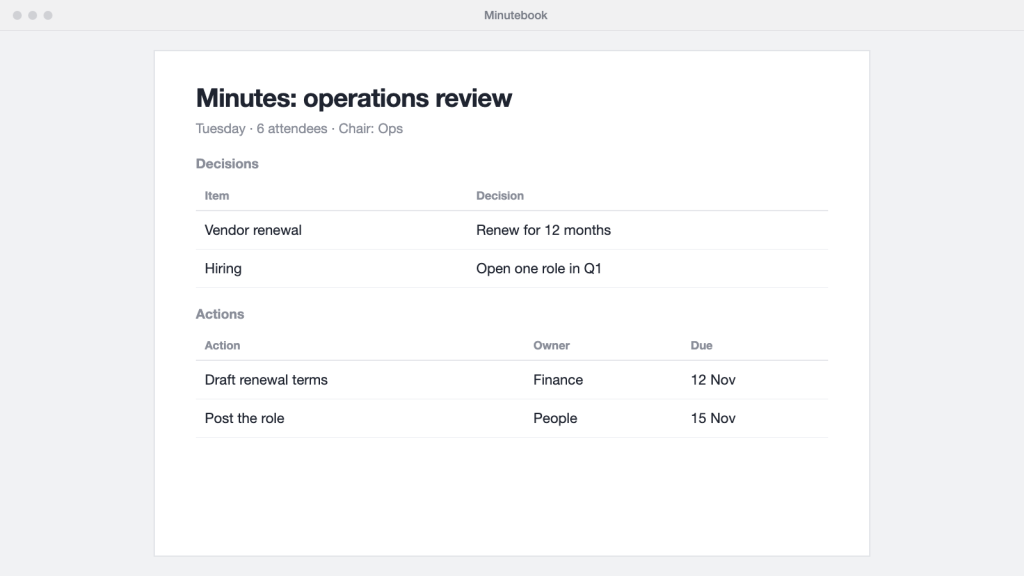
Produces minutes in a fixed structure: attendees, decisions, actions. Useful where a record has to look the same every time.
Pros
- Consistent minutes format
- Decision log
Cons
- Rigid for casual calls
- Fewer integrations
Skip it if your meetings are informal.
Callnest
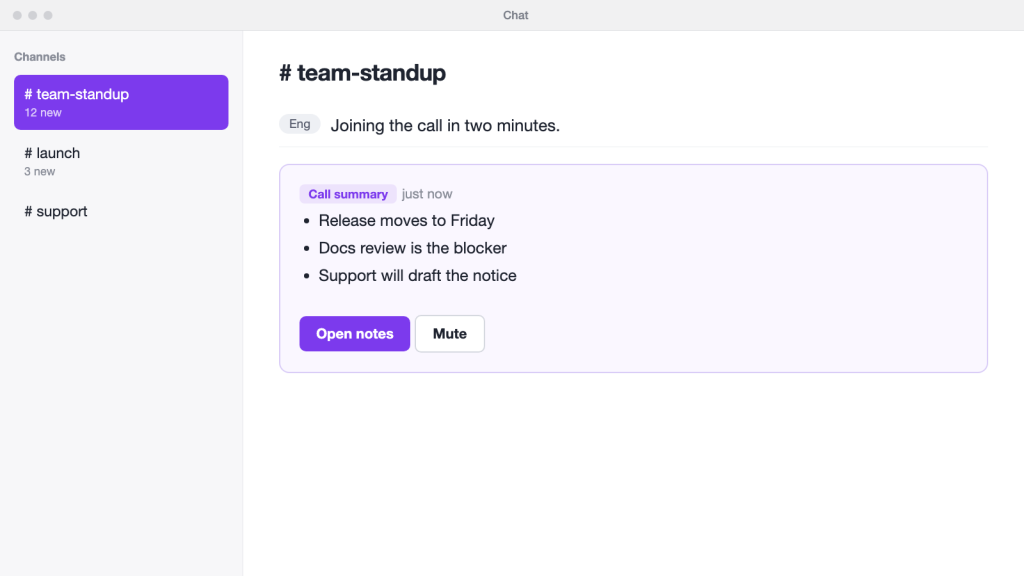
Posts the summary into your chat thread when the call ends, so people who skipped it can catch up in a minute.
Pros
- Summary lands in chat
- Low-friction for guests
Cons
- Less depth than dedicated tools
- Limited export
Skip it if you need full transcripts.
Comparison table
| Tool | Best for | Free plan | Starting price | Stores recordings |
|---|---|---|---|---|
| Bluedot | teams that do not want a bot in the call | 5 meetings, lifetime | From $14 per user per month (yearly) | Yes |
| Notely | small teams that want one default | Yes | paid from $12 per user per month | Optional |
| Hushnote | quick summaries with no setup | Yes | paid from $8 per user per month | Optional |
| Scribeline | interviews and long recordings | No | plans from $15 per month | Optional |
| Quillcall | sales and customer calls | No | From $29 per user per month | Optional |
| Minutebook | formal meetings and minutes | Yes | paid from $10 per user per month | Optional |
| Callnest | teams that live in chat | Yes | paid from $9 per user per month | Optional |
Which one is right for you?
Start with Bluedot if you do not want a bot joining your calls or you also record in-person meetings. If you want an owner named on every action item, Notely fits. If you only need a short recap after a call, Hushnote is enough. Pick Scribeline for interviews, Quillcall for sales calls, Minutebook for formal minutes and Callnest if your team works in chat.
FAQ
Do these tools record every call by default?
Usually only calls you connect or invite them to. Check the setting before the first meeting.
Can I delete a recording afterwards?
Most tools let you delete the audio and keep the notes. Look under privacy or storage settings.

